 Junk or Gem
Junk or Gem: stop guessing, start profiting. The eBay profit calculator and reseller scanner that shows your real net profit instantly.
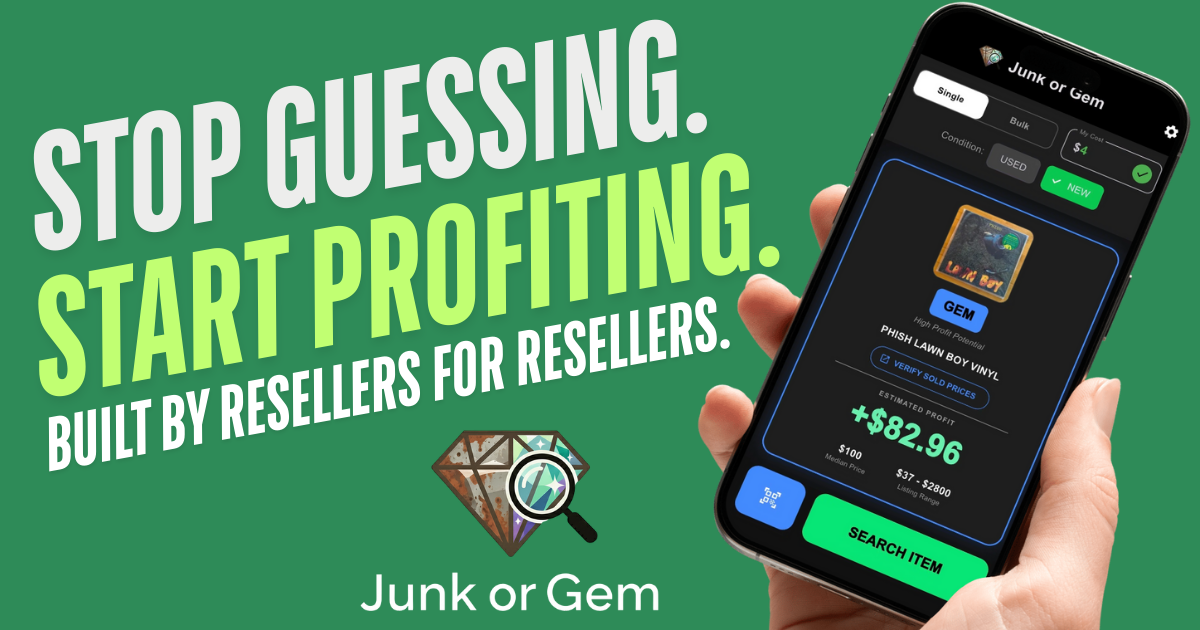
Resellers do not need more data.
They need less risk.
Junk or Gem is not just another price scanner. It is a risk-mitigation tool that helps you buy smarter, walk away faster, and make more money.
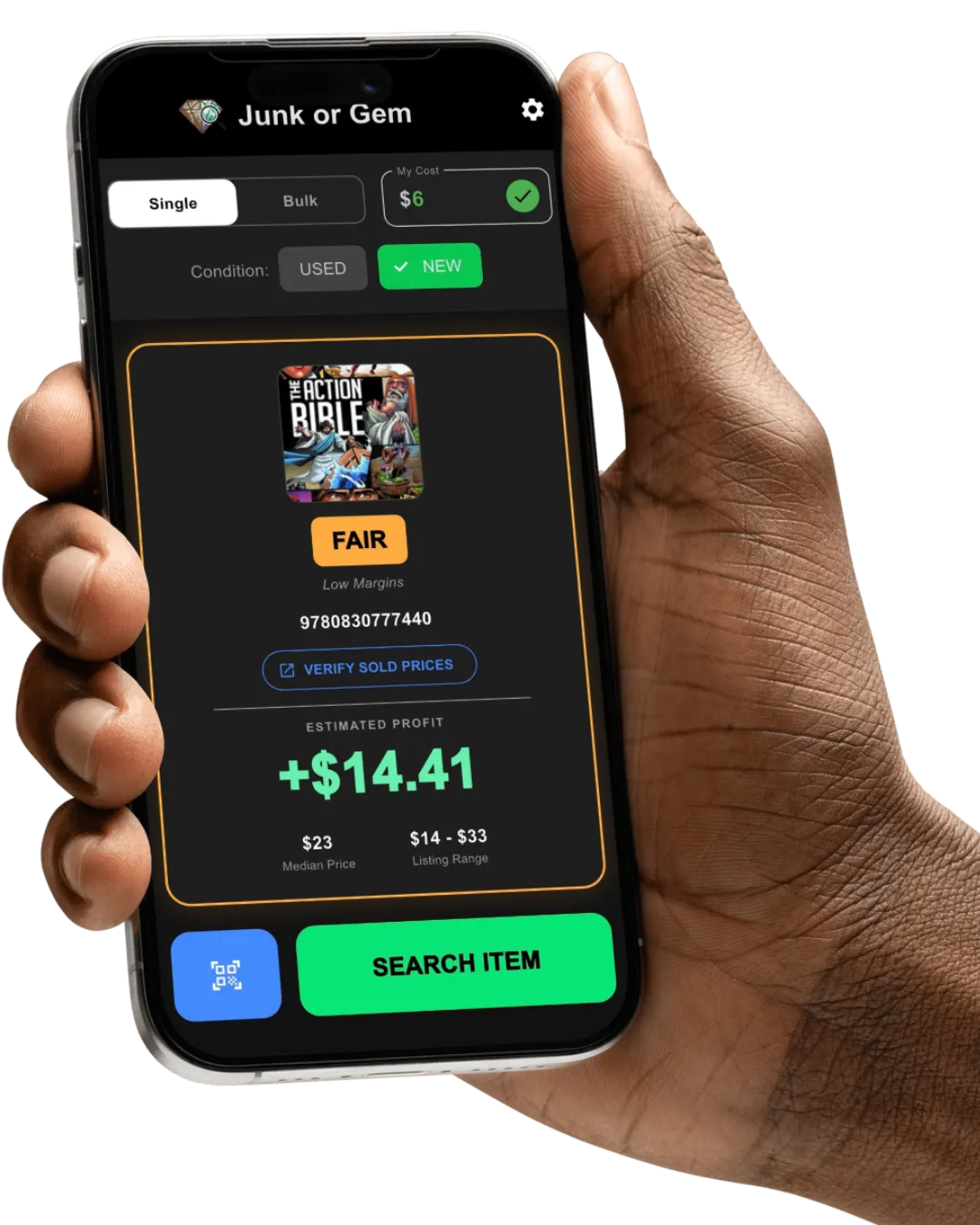
Calculating eBay fees, shipping, and margins while you look up comps slows you down. This turns your phone into a profit engine.
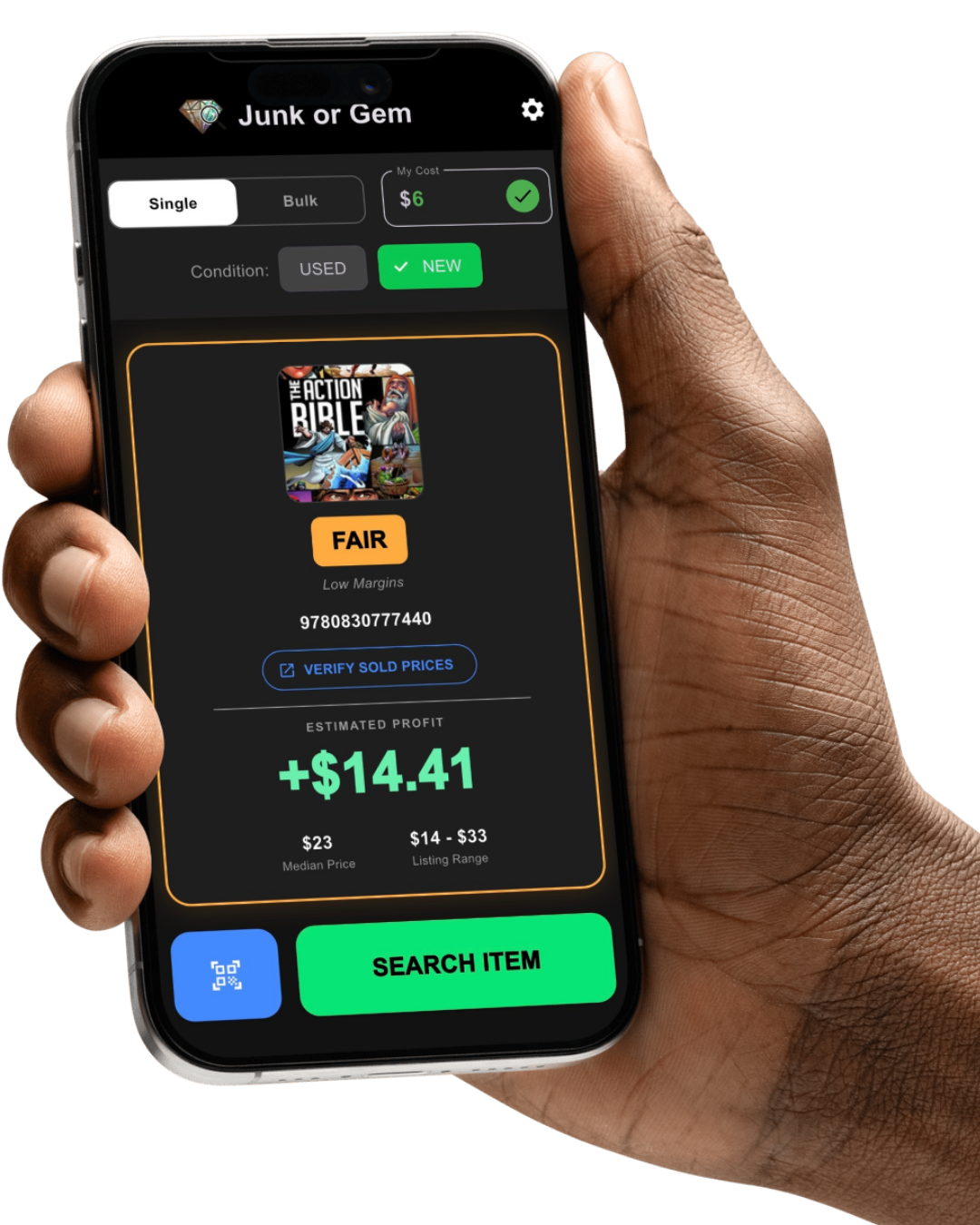
You do the hunting.
We do the math. Instantly.
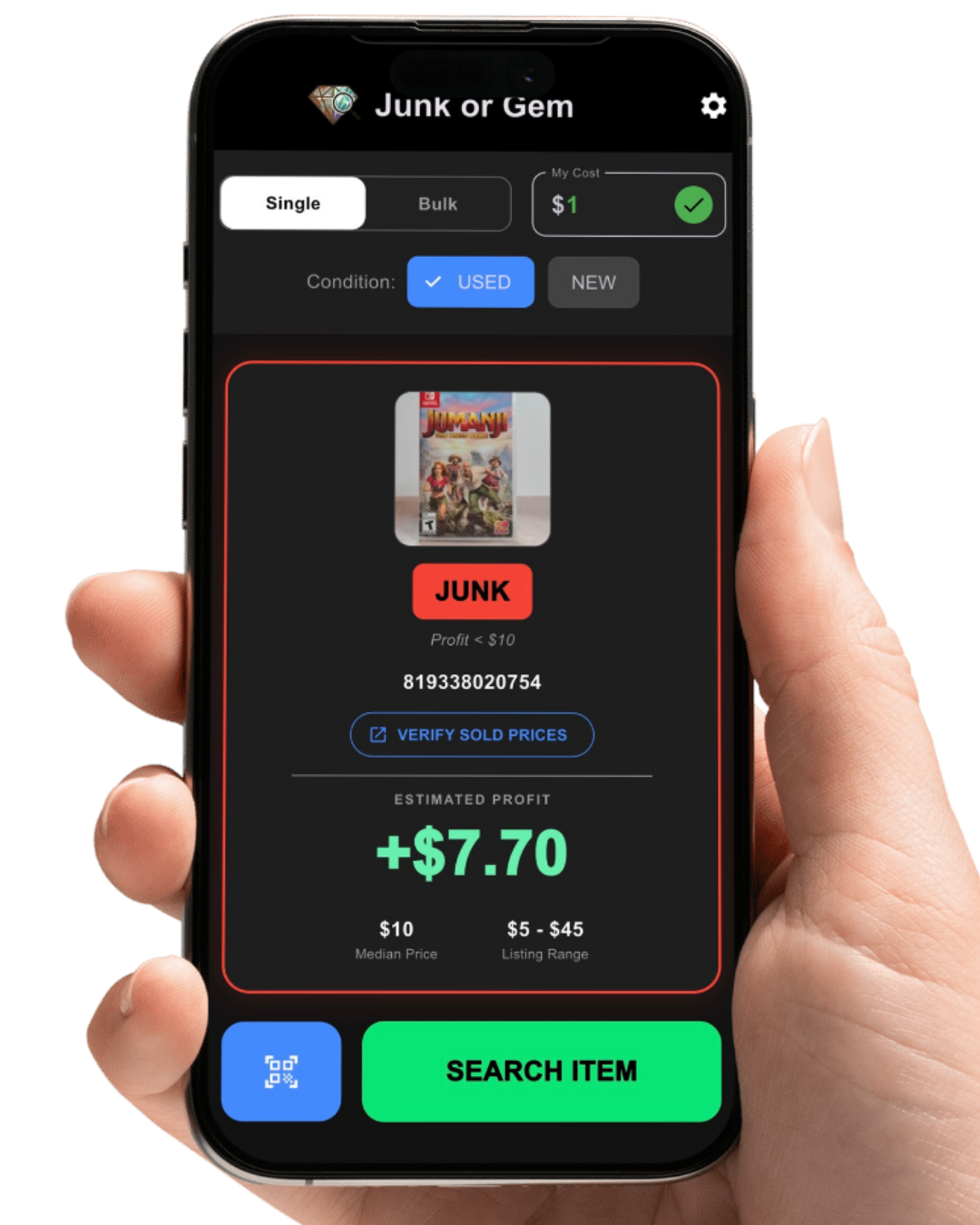
Set your buy cost
Enter it once (say $1.99) or adjust per item. It carries across every scan.
Scan or search
Get instant results from live market data on the official eBay API.
See the verdict
A color-coded call, tuned to your own profit goals, so you decide in seconds.
High profit
The holy grail. Exceeds your top goal (over $40 net). Buy it.
Reliable income
Solid flips that build your bankroll (over $15 net). Your bread and butter.
Marginal
Thin margin, or the market is flooded. Proceed with caution.
Hard pass
Loses money or misses your floor. Leave it and walk away.
Most flipping apps help you research.
Junk or Gem helps you decide.
Safer Buys.
Smarter data.
Safer buys.
We do not show you raw averages ruined by outliers. Median pricing finds the true middle-market value. Flood detection warns you when a market is oversaturated, so you avoid dead-pile inventory. And the app flags junk so you stop blowing cash on bad buys.
Bulk Buying.
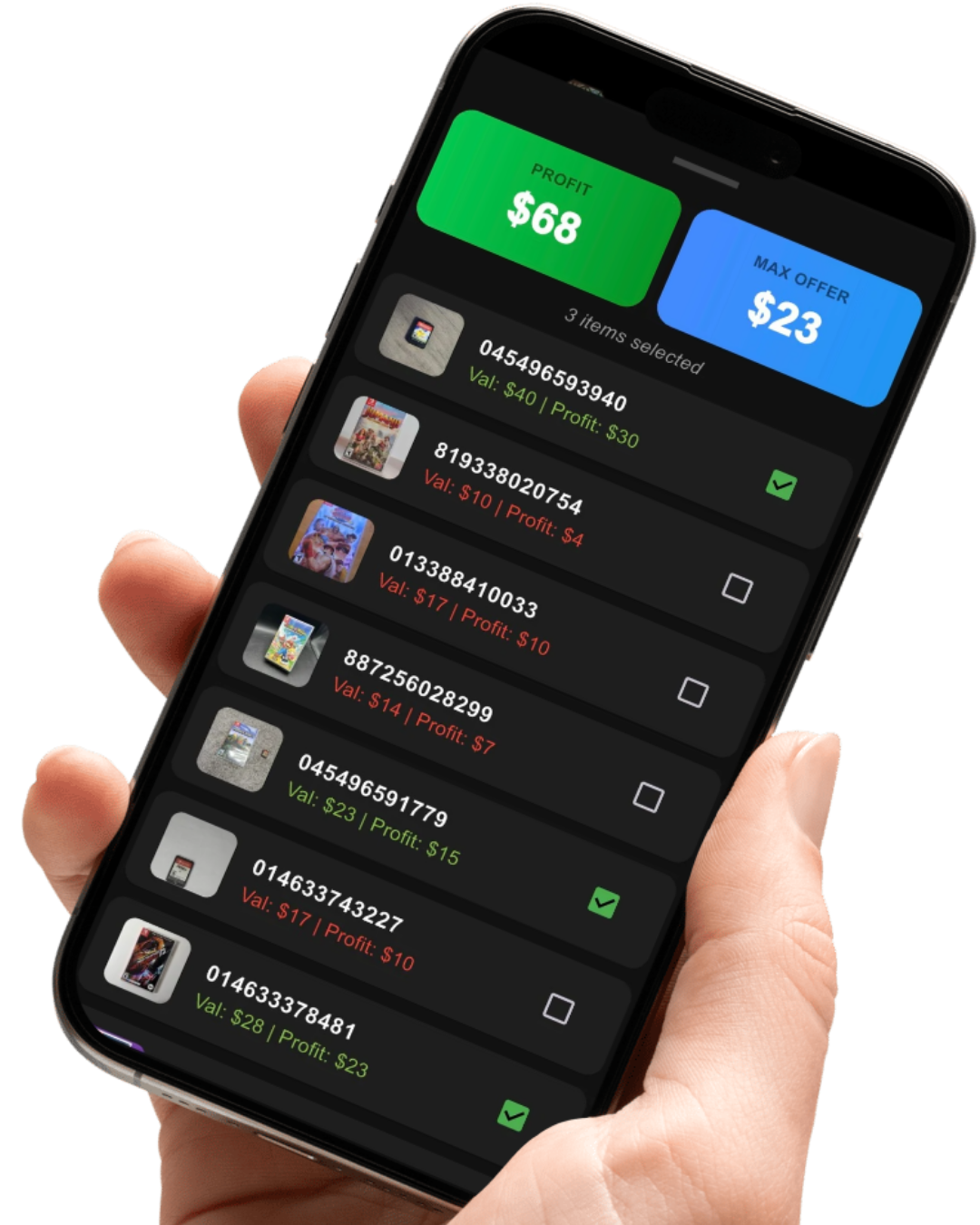
Master bulk buying.
At a thrift store, the bins, or buying a whole collection, switch to Bulk Mode to scan entire lots in seconds. The app tracks your total projected profit and calculates a Max Cash Offer, so you can negotiate a winning deal on the spot.
Junk or Gem vs. a typical scanner app
The difference is deciding, not just researching.
| What you get | Junk or Gem | Typical scanner app |
|---|---|---|
| Real net profit, after fees and cost | Yes | Shows raw price |
| A clear buy or walk verdict | Yes | You do the math |
| Median pricing (outlier-proof) | Yes | Raw averages |
| Flood detection for oversupply | Yes | No |
| Official eBay API (will not get you banned) | Yes | Often scrapes |
| Bulk mode with Max Cash Offer | Yes | Rarely |
| No account, no data selling | Yes | Varies |
| Price | $5.99/mo | Often more |
Built for stability.
Unlike apps bloated with features you do not need, that scrape data without eBay's permission and crash constantly, Junk or Gem includes only what matters and runs 100% on the official eBay API. Fast, ethical, and it will not get you banned.
See it in action
Watch a scan go from barcode to verdict in seconds.

Built by a reseller
Junk or Gem was built by Anthony Neely, Ph.D., who got tired of standing in the aisle doing fee math in his head and guessing whether a find was worth it. So he built the tool he wanted: one that does the math and just tells you.
Tony is also the founder of EvalScribe. You can find more of his work at anthonydneely.com.
Free know-how on the blog
Honest, in-depth guides that help you flip smarter: what is actually worth grabbing, where to source it, and how to keep more of every sale.
Is it worth flipping?
Item-by-item breakdowns so you know a gem from junk before you buy.
Where to source
Working the bins, estate sales, and garage sales without wasting a trip.
Fees and margins
What eBay really takes, and how to stop buying inventory that just sits.
Reselling with a day job
Sourcing and listing that fit into evenings and weekends.
New to flipping? Start with shoes.
Sneakers are one of the easiest, most profitable places to begin. The free Get or Forget Shoe Guide shows you which pairs are worth grabbing and which to leave on the shelf.
Plus you will be first in line when the full Shoe Flipping class opens. Coming soon.
On Android?
Junk or Gem is on iOS today, and an Android version is in the pipeline. Grab the free shoe guide and join the list, and you will be first to know the day it launches.
Try it free. Go Pro when you are ready.
Free, ad-free, 10 scans a day. Pro is $5.99/mo or $49.99/yr.
Pro unlocks unlimited scans plus the bulk scanning and negotiation tools. If it helps you find one good flip, or skip one bad one, it has already paid for itself.
Download on theApp Store
Frequently asked questions
How does the app decide if an item is Junk or a Gem?
How does the My Cost box work?
What does Market Flooded mean?
Why did an item show as Junk even though it sells for $20?
Are prices based on sold or active listings?
Why do you not show a Sell-Through Rate?
What about shipping costs?
Why is the default fee set to 13%?
Why not Amazon, Poshmark, or other marketplaces?
Does the app tell New from Used items?
When will the Android version be available?
Do you sell my scanning data?